


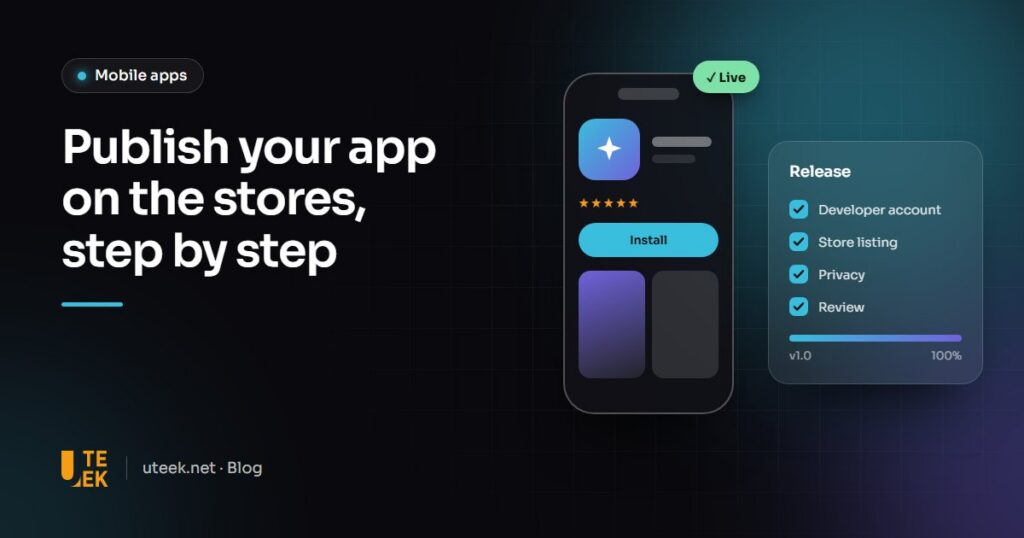
To publish an app on the App Store and Google Play, you open a developer account on each platform, prepare a complete store listing, beta test the app, then submit it for review by Apple and Google. Rejections often come from missing information, an undetected bug or a misapplied privacy rule. The paperwork alone can take several weeks.
Key takeaways
- Apple charges 99 USD a year and Google Play 25 USD once; an organisation account needs a D-U-N-S Number.
- A recent personal Google Play account must have the app tested by at least 12 testers for 14 days.
- The listing, privacy policy, App Privacy and Data safety forms must describe the app accurately.
- Publish under your company’s own accounts to keep ownership of the app.
Step 1: open the developer accounts
Apple Developer Program
Membership costs 99 USD a year (prices may vary by region). An individual account publishes under the person’s legal name; an organisation account requires a D-U-N-S Number, issued free by Dun & Bradstreet, and a public website.
Google Play Console
Registration is a one-time 25 USD fee, with identity verification. Organisation accounts also need a D-U-N-S Number, which Google says can take up to 30 days to obtain. A personal account created after 13 November 2023 must run a closed test with at least 12 testers for 14 consecutive days before going into production.
Good practice: create these accounts in your company’s name and invite your agency as a team member. The app, its reviews and its revenue then remain yours.
Step 2: prepare the store listing
- Copy: an app name of up to 30 characters, a 100-character keyword field on Apple, an 80-character short description on Google.
- Visuals: an icon (1024 × 1024 px on Apple, 512 × 512 px on Google), a 1024 × 500 px feature graphic on Google Play, accurate screenshots.
- Category and age rating: a category to choose and an age-rating questionnaire on each store.
- Privacy policy: a URL is mandatory on both stores, even if no data is collected.
- App Privacy and Data safety: data collected, its use and sharing, including by third-party SDKs.
- European Union: Apple requires you to declare whether you act as a trader (Digital Services Act).
Step 3: beta test the app
TestFlight accepts up to 100 internal and 10,000 external testers; the first external build goes through Apple’s review. Play Console offers internal testing (up to 100 testers), closed tests and an open test.
Step 4: submit the app for review
Check the technical requirements first: since 28 April 2026, Apple requires Xcode 26 and the iOS 26 SDK; since 31 August 2026, Google Play requires new apps and updates to target Android 16 (API level 36).
Apple says it typically reviews at least 50% of submissions in under 24 hours and 90% in under 48 hours. Google quotes a few hours to seven days, longer in exceptional cases.
Why do apps get rejected?
According to Apple, over 40% of unresolved issues relate to guideline 2.1 on app completeness. The most common reasons:
- Crashes and bugs found during review.
- Incomplete information: no demo account, broken support or privacy links.
- Placeholder content: filler text, coming soon screens.
- Misleading metadata: screenshots or promises that don’t match the app.
- In-app purchases: digital content must normally use the store’s payment system, with exceptions in some countries.
- No account deletion: an app that lets users create an account must let them delete it from within the app.
- Unjustified permissions: each access (location, contacts, camera) must serve a visible feature.
- A website in a wrapper: Apple rejects apps that are merely a repackaged website (guideline 4.2).
App Store or Google Play: the key differences
| Criterion | App Store (Apple) | Google Play |
|---|---|---|
| Fees | 99 USD per year | 25 USD, one-time |
| Accounts | Individual or organisation (D-U-N-S) | Personal or organisation (D-U-N-S) |
| Before production | No mandatory testing | Closed test (12 testers, 14 days) for recent personal accounts |
| Beta | TestFlight | Internal, closed and open testing |
| Review | 90% in under 48 h according to Apple | Up to 7 days, longer in exceptional cases |
| Privacy | App Privacy | Data safety |
Step 5: release and update
Once approved, release the app straight away or on a chosen date. For updates, Apple offers a seven-day phased release and Google Play a staged rollout to a percentage of users. Then monitor crashes and reviews: both stores raise their technical requirements regularly.
FAQ
How much does it cost to publish an app?
The official fees are 99 USD a year with Apple and 25 USD once with Google. If you sell digital content, the stores’ commissions come on top.
Can I publish the app under my company’s name?
Yes, with an organisation account, which requires a D-U-N-S Number on both Apple and Google. An individual Apple account displays the person’s legal name instead.
How long should I allow for a first release?
Allow several weeks. Obtaining a D-U-N-S Number can take up to 30 days according to Google, recent personal Google Play accounts need a 14-day closed test, and then comes the review.
What should I do if my app is rejected?
The rejection message cites the guideline concerned. Fix the issue and submit a new build, or reply to the reviewer in case of a misunderstanding; both stores also offer an appeal process.
Publish your app with Uteek
Uteek, a digital agency based in Les Berges du Lac 2, Tunis, builds native, cross-platform and PWA mobile apps and handles their release: store listings, testing on real devices via TestFlight and Google Play internal testing, submission, review and publication under your own developer accounts. See the Jobito recruitment app or let’s talk about your app.
Related articles
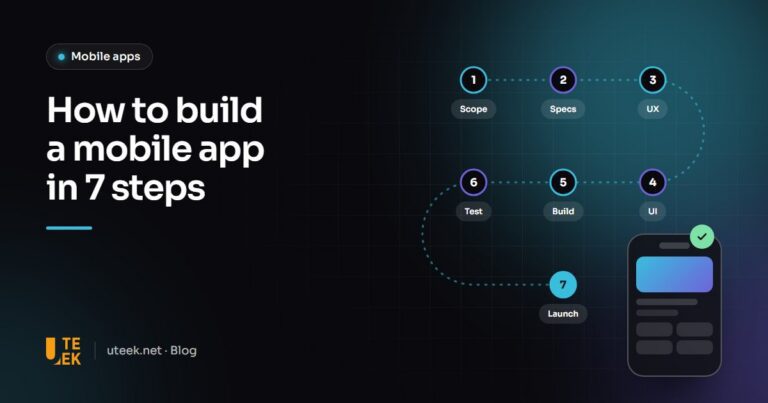
How to build a mobile app in 7 steps, from idea to app store launch
Scoping, UX, UI, development, testing, app store launch… The 7 steps to build a mobile app, with the…
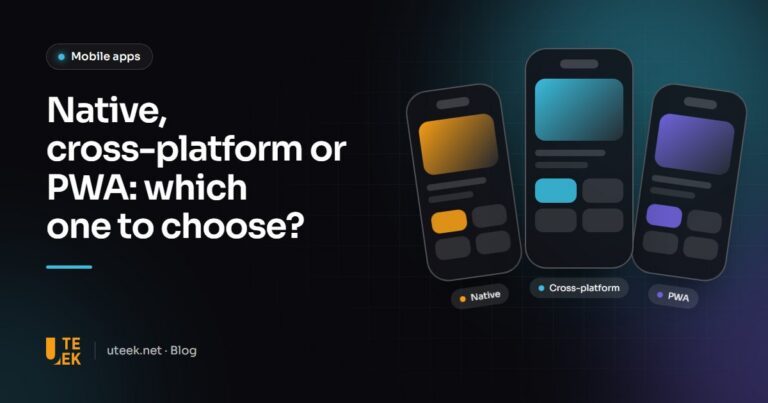
Native, cross-platform or PWA: how to choose your mobile app technology in 2026
Swift and Kotlin, Flutter and React Native, or a simple PWA? A clear comparison of the three approaches…
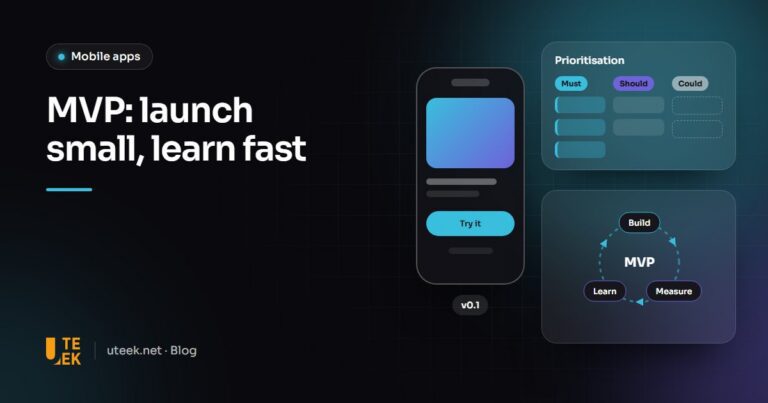
MVP: how to launch the first version of your app without burning your budget
An MVP is neither a rushed version nor a mock-up: it is the smallest product that lets you…