


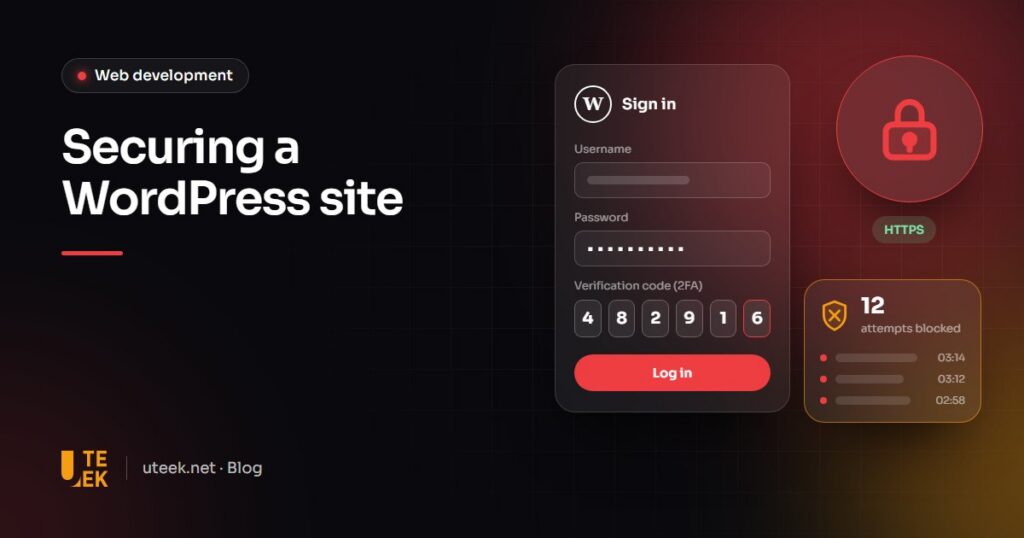
WordPress security comes down to a handful of measures applied consistently: updates, few plugins, two-factor authentication, off-site backups and serious hosting. The core itself is rarely the weak point: the vast majority of vulnerabilities are found in plugins and themes. The goal is not absolute security, but a smaller attack surface and a fast return to normal after an incident.
Key takeaways
- According to Patchstack, 91% of new WordPress vulnerabilities recorded in 2025 were in plugins, and 9% in themes.
- Updates, two-factor authentication and tested off-site backups cover the most common risks.
- Fewer plugins and accounts with limited permissions shrink the attack surface.
- Hiding the login page is a marginal measure: limit login attempts instead.
Where do WordPress vulnerabilities really come from?
Patchstack’s State of WordPress Security in 2026 report recorded 11,334 new vulnerabilities in the WordPress ecosystem in 2025: 91% in plugins, 9% in themes and just 6, all low priority, in the core. Nearly half (46%) were still unpatched when publicly disclosed.
Add to that weak passwords, former staff accounts still active and poorly configured hosting. Because attacks are automated, no site is too small to be targeted.
How do you manage updates without breaking the site?
An update often fixes an already public vulnerability: delaying it leaves the door open. By default, WordPress automatically installs minor core releases, which carry security fixes, and since version 5.5 plugins can be set to auto-update one by one. Apply security fixes straight away; test major versions and critical plugins (shop, payments) on staging first, after a backup.
According to php.net, PHP 8.2 stops receiving security fixes after 31 December 2026, and versions 8.1 and earlier no longer receive any. WordPress recommends PHP 8.3 or later: plan the upgrade with your host after a compatibility test.
Should you limit the number of plugins?
Yes. The official guide to hardening WordPress recommends deleting plugins you do not use: even deactivated, a vulnerable plugin left on the server may remain exploitable. For the rest, check:
- Maintenance: recent updates and compatibility with your WordPress version.
- Source: the official directory or a reputable developer, never a free copy of a premium plugin from a third-party site.
- Real need: your theme may already provide the feature.
How do you protect accounts and the login page?
Named accounts with limited permissions
- Passwords: long, unique and stored in a password manager.
- Two-factor authentication: not built into WordPress core, so add it with a plugin, at least for administrators.
- Least privilege: the Administrator role for one or two people, Editor or Author for everyone else.
- One account per person: no shared logins, and accounts removed when an employee or contractor leaves.
The login page: limit rather than hide
WordPress does not limit login attempts by default, so leave the filtering to your host’s firewall or a plugin. Hiding wp-admin reduces log noise but will not stop an attacker with a stolen password. The official documentation makes the point: obscurity is not a sound primary defence.
What protection should hosting and the server provide?
On poorly partitioned hosting, one compromised site can infect others. Ask for:
- Isolation: one account or container per site, with a dedicated database user.
- A web application firewall (WAF): it filters malicious requests and can block exploits of vulnerabilities not yet patched.
- HTTPS everywhere: automatic certificate renewal and security headers such as HSTS or Content-Security-Policy.
- Hardening: dashboard file editor disabled, minimal write permissions, no PHP execution in the uploads folder.
Backups and monitoring: how do you limit the damage?
A backup stored on the same server disappears with it. Follow the 3-2-1 rule: three copies, on two media, one off-site. Automate them, keep several weeks of history (an intrusion is sometimes discovered late) and test a restore every quarter.
For monitoring, set up an activity log, uptime checks, regular file scans and alerts on sensitive events such as a new administrator account.
Which measures should come first?
This ranking helps you prioritise:
| Measure | Priority | Effort |
|---|---|---|
| Core, plugin and theme updates | Critical | Low if automated |
| Two-factor authentication for administrators | Critical | Low |
| Automatic off-site backups, tested restores | Critical | Medium |
| Removing unused plugins and accounts | High | Low |
| Supported PHP version and isolated hosting | High | Medium |
| Web application firewall and login limits | High | Low to medium |
| Hardening, security headers and monitoring | Medium | Medium |
Start with the first three rows: they cover the most common risks at modest cost.
What should you do if your WordPress site is hacked?
Suspicious redirects, spam pages in Google, an administrator nobody recognises: act fast, but in the right order.
- Isolate the site (maintenance mode) and alert your host.
- Keep a copy of the compromised state and the logs.
- Change every credential: WordPress, hosting, SFTP, database, security keys.
- Restore a backup from before the intrusion, or have the site professionally cleaned.
- Find and fix the entry point, or the attack will happen again.
- Update everything and scan the files again.
- If Google flags the site, request a review in Search Console; if personal data may have leaked, check your notification obligations.
FAQ
Should you install a security plugin?
It helps limit login attempts, add two-factor authentication or scan files. It does not replace updates or backups, and may duplicate a firewall your host already provides.
Are automatic updates risky?
An update can occasionally break a page, but that risk usually weighs less than a known vulnerability left open. Automate security fixes and test major versions on staging, with a recent backup to hand.
Is a small brochure website really a target?
Yes. Automated attacks go after vulnerabilities, not specific companies. A hacked brochure site can send spam or redirect your visitors, damaging your reputation and search rankings.
How often should you run a security review?
Once or twice a year, and after any major change: a redesign, a new critical plugin or a change of host. The review covers versions, accounts, backups and server configuration.
Secure your WordPress site with Uteek
At Uteek, a digital agency based in Les Berges du Lac 2, Tunis, we build WordPress websites and maintain them: updates, backups, monitoring and fixes. Explore our web development services or tell us about your website.
Related articles
Personal data on your website: complying with Tunisian law and the GDPR
Law 2004-63, INPDP filings, the GDPR for European customers, cookie banners, security and service providers: what a Tunisian…
Launching an e-commerce website in Tunisia: platform, online payments, delivery and compliance
Cash on delivery or online payment, logistics, legal requirements, platform choice: everything to plan when launching an e-commerce…
How to write a website or app requirements document: complete guide and template outline
A good requirements document means comparable quotes, a controlled budget and a smooth acceptance phase. The method and…