


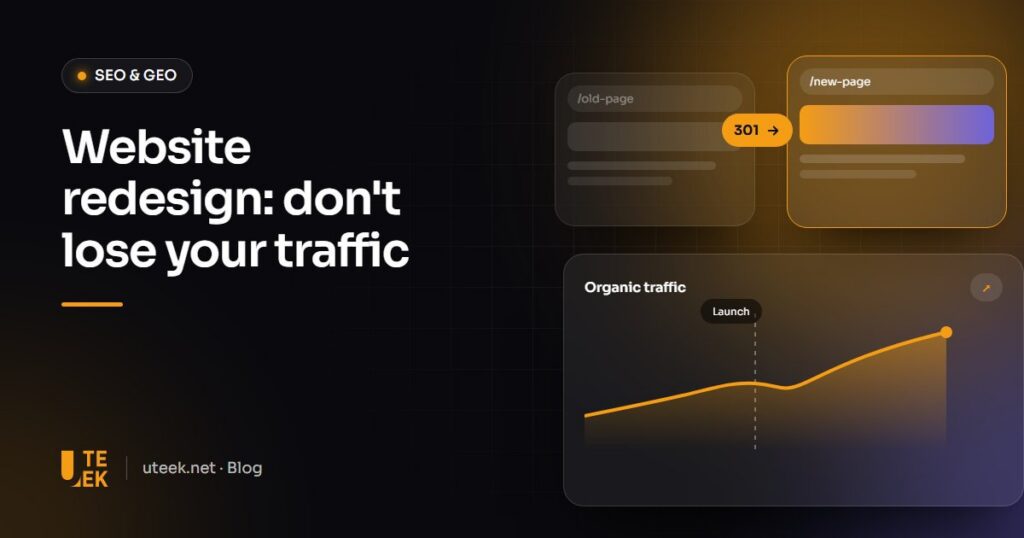
An SEO-safe website redesign rests on one simple principle: every page that currently earns traffic, links or rankings must have an equivalent on the new site, either at the same address or through a 301 redirect. You then keep the content and tags that work, test the site before launch and monitor the following weeks closely.
Key takeaways
- Take a full inventory of existing URLs and their traffic before touching the design.
- Map every old URL to a new one with a direct 301 redirect, with no chains.
- Keep the content, titles and structured data of your best-performing pages.
- Test the staging site, then monitor Search Console for at least two months.
Why a redesign can cause traffic to drop
Google has spent months, sometimes years, understanding and ranking your pages. A redesign often changes everything at once: addresses, structure, content and performance. If old URLs return 404 errors, the rankings and links they earned are lost. If copy is shortened or removed, pages lose relevance. The good news: with a rigorous method, a redesign becomes an opportunity to gain visibility instead.
Before the redesign: the inventory
- Export every URL of the current site with a crawler (Screaming Frog, Sitebulb) and from the sitemap.
- Identify the pages that matter using Google Search Console (clicks, impressions, queries) and Google Analytics (traffic, conversions).
- List the pages with external backlinks, as they pass on the most authority.
- Save the SEO elements of each important page: title tag, meta description, H1 to H3 headings, structured data and image alt text.
- Record a baseline: organic traffic, rankings for key queries and Core Web Vitals, so you can compare after launch.
During the redesign: the redirect map
The redirect map pairs each old URL with its new destination. It is the most important document in the project.
| Situation | Recommended action |
|---|---|
| The page still exists at the same address | No redirect, keep the URL |
| The page exists at a new address | 301 redirect to the new URL |
| Two pages are merged | 301 redirect both to the merged page |
| The page is removed with no equivalent | 301 redirect to the closest page, otherwise a 410 status |
| Domain name change | Page-to-page 301 redirects plus Search Console’s Change of Address tool |
Avoid redirect chains (A to B, then B to C) and don’t redirect everything to the homepage: Google treats such mass redirects as pages that no longer exist.
The technical checklist before launch
- The staging site is protected (password or “noindex”) and that protection is removed on launch day.
- The robots.txt file does not block crawling of the new site.
- Every redirect in the map has been tested one by one.
- Internal links point directly to the new URLs, without going through a redirect.
- Title tags, meta descriptions and H1s of important pages are kept or improved.
- Canonical and hreflang tags (for multilingual sites) are correct.
- Structured data is present and valid.
- The site is fast on mobile and meets Core Web Vitals.
- Measurement tools (Analytics, Search Console, ad pixels) are installed on the new site.
After launch: monitoring
- Submit the new sitemap in Google Search Console.
- During the first weeks, check 404 errors and pages excluded from the index every day.
- Compare organic traffic and rankings with your baseline.
- Quickly fix any missing redirect flagged in the reports.
A slight, temporary dip is common while Google crawls the new site. A sharp and lasting drop almost always points to a redirect, indexing or content issue.
FAQ
How long does it take to recover traffic after a redesign?
When redirects and content are handled properly, traffic usually stabilises within a few weeks. For a large site or a domain change, allow a few months.
Should I keep the same URLs?
If your current URLs are clean and readable, keeping them is the safest option. Change them only if the new structure brings a real benefit, and always with 301 redirects.
How long should 301 redirects stay in place?
As long as possible, and for at least a year. External links and bookmarks will keep pointing to the old addresses long after the redesign.
Can a redesign improve SEO?
Yes. A faster, better-structured site with richer content and stronger internal linking often gains rankings, provided nothing valuable is lost along the way.
Redesign your website with Uteek
Uteek builds SEO migration into every website redesign: inventory, redirect mapping, technical acceptance testing and post-launch monitoring. Planning a redesign? Let’s talk before you start.
Related articles
SEO and GEO in 2026: how to get your website found on Google and cited by AI assistants
GEO doesn't replace SEO, it builds on it. Here is a practical method to get your website found…

Launching an e-commerce website in Tunisia: platform, online payments, delivery and compliance
Cash on delivery or online payment, logistics, legal requirements, platform choice: everything to plan when launching an e-commerce…

UX/UI design: 8 mistakes that drive users away (and how to fix them)
Confusing navigation, endless forms, tiny buttons… These 8 UX/UI mistakes cost businesses customers every day. Here is how…